5 common mistakes when launching a knowledge base and how to avoid them
17th December 2025

posted 17th December 2025
Creating a knowledge base is one of the best ways to support your customers and team. All good things take time, but many businesses rush the setup and end up with a knowledge base that’s hard to use, hard to find, or quickly becomes outdated.
In this blog, we’ll discuss common mistakes businesses make when launching a knowledge base and how you can avoid them.
1. Not organising content properly
One of the biggest problems when launching a knowledge base is messy, unstructured content. If users can’t quickly find answers, they won’t use the system, as it’s not benefiting them.
How to avoid it:
- Make sure you create clear categories and subcategories in your knowledge base.
- Group articles by topics (e.g., onboarding, troubleshooting, product setup).
- Keep your article titles simple and searchable.
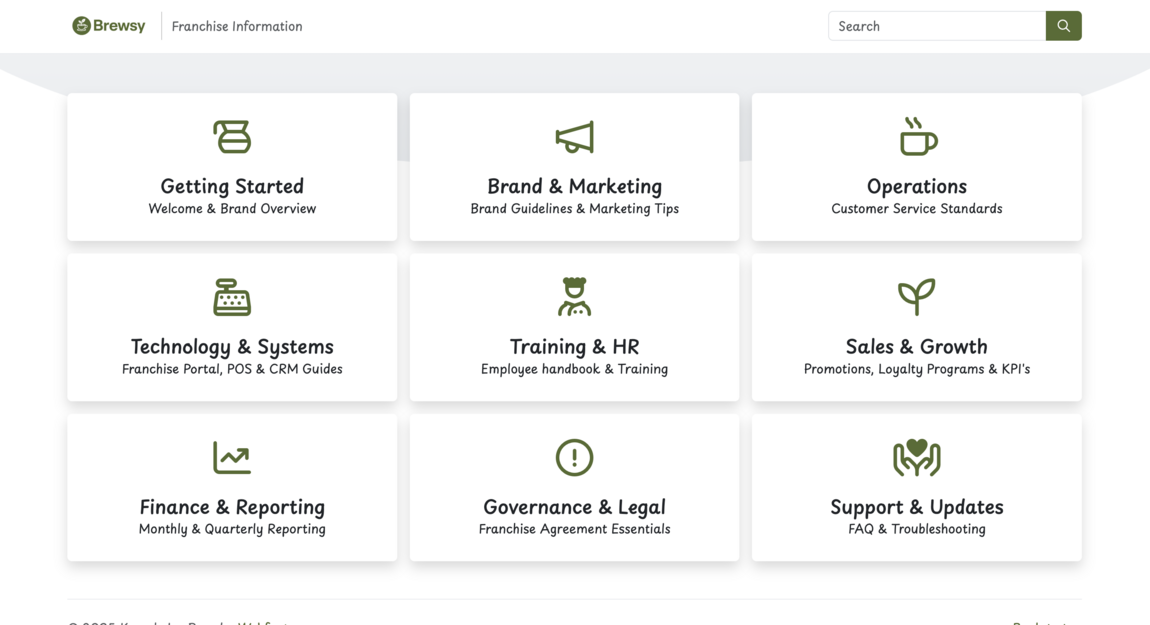
Having a well-organised knowledge base improves the overall user experience and boosts SEO by helping search engines understand your content.
2. Writing articles that are too long or hard to follow
A knowledge base article shouldn’t feel like a novel. This can be off-putting to read when trying to find a quick solution to a question or problem. Long blocks of text are difficult for users to skim and find what they need.
How to avoid it:
- Use short paragraphs and bullet points to make things easier to skim.
- Write step-by-step instructions so information is clear.
- Add headings so users can scan quickly.
- Keep language simple and clear to avoid confusion.
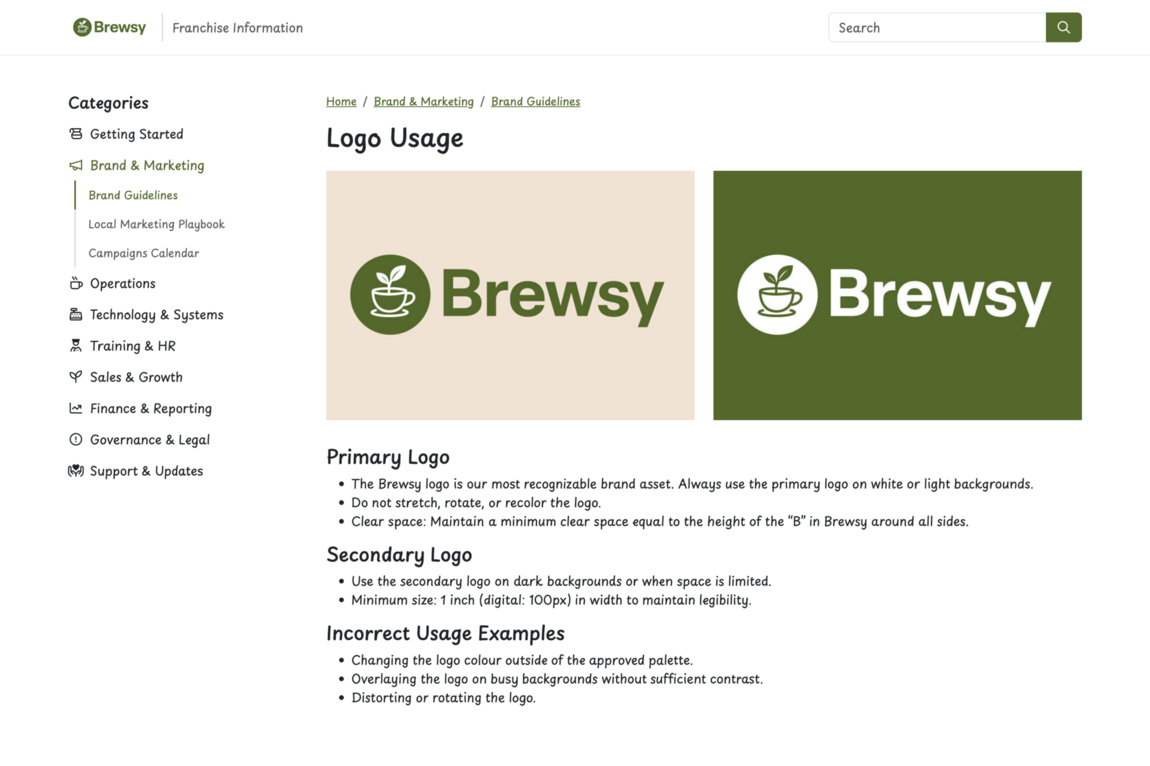
With our text toolbar, it’s easy to format text. Having good formatting also helps your knowledge base appear higher in search results for helpful, easy-to-read content.
3. Forgetting to add images, videos, and links
Text-only content can be confusing, especially for complex tasks like setup or software training. Adding images or videos can really help with explaining information.
How to avoid it:
- Add screenshots to visually show each step.
- Embed training videos or product demos.
- Link to related articles or external resources.
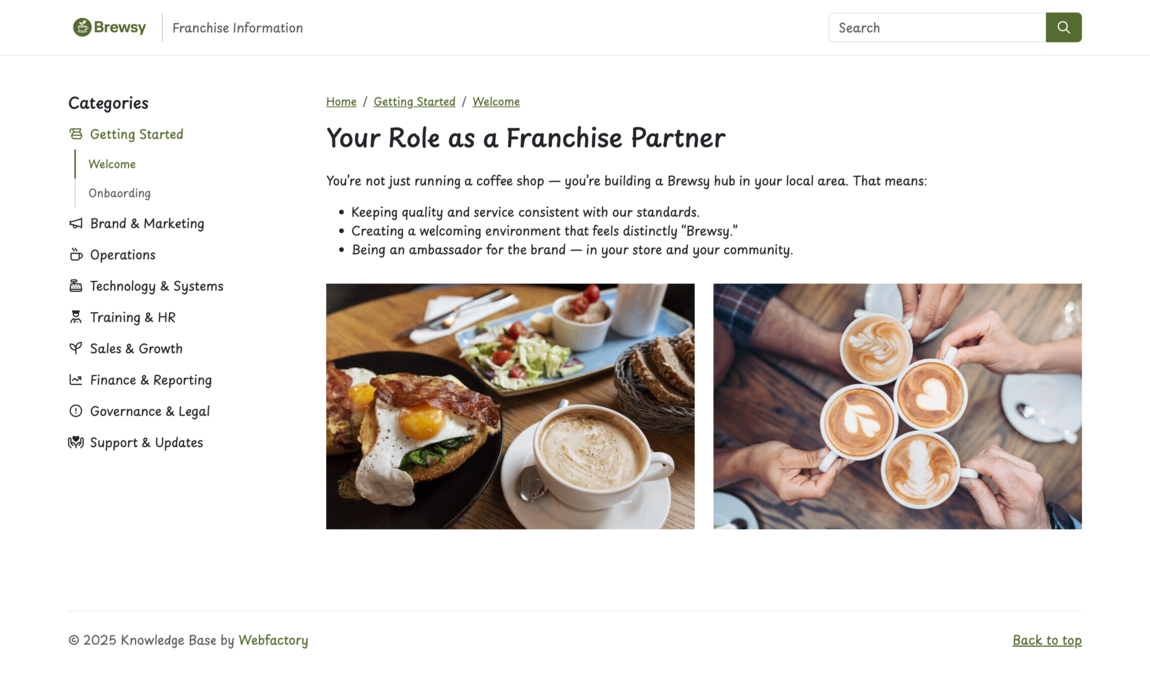
If you use Webfactory KnowledgeBase, these are easy for you to add. Using rich media not only makes your knowledge base more engaging, it also improves SEO performance.
4. Not updating content regularly
A knowledge base can become outdated quickly if products, processes, or team structures change as your company evolves.
How to avoid it
- Review articles every few months. If you use Webfactory KnowledgeBase, we will highlight old articles for you.
- Update guides when features change.
- Remove old or duplicate content.
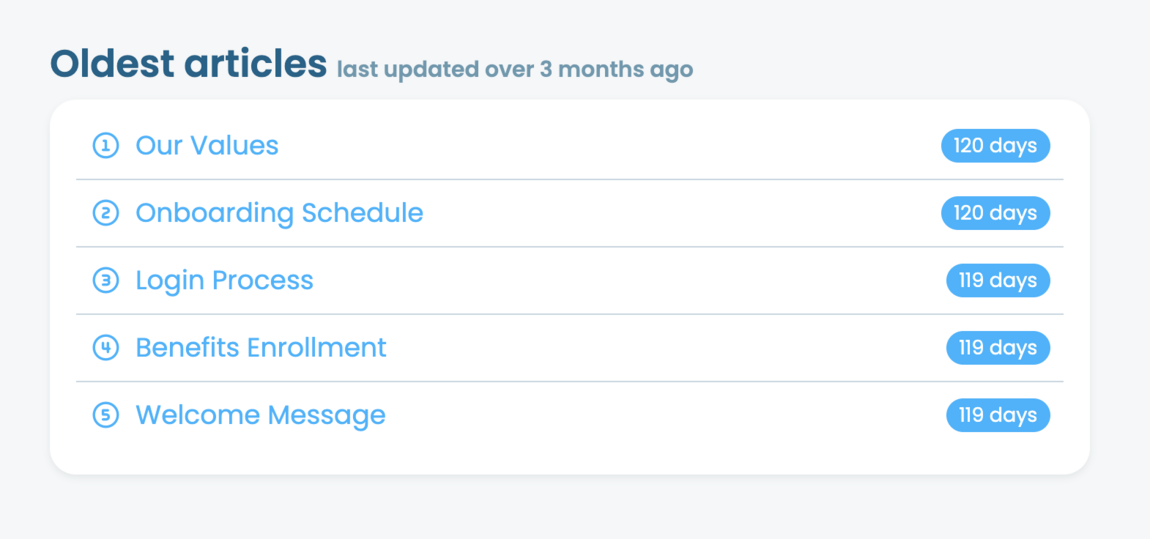
Image: Webfactory KnowledgeBase editor showing flagged old articles.
Having up-to-date content signals to users (and search engines) that your knowledge base is reliable and maintained.
5. Launching without promoting it
Many companies create a great knowledge base but forget to tell anyone it exists.
How to avoid it
- Add a “Help” link to your website menu. This will guide your existing users to your knowledge base.
- Include links in onboarding emails.
- Promote it in customer support replies.
- Make it accessible inside your product.
- Share it with your internal team or new hires.
The more visible your knowledge base is, the more useful it becomes.
6. Not using search-friendly keywords
Your knowledge base should help users find answers, not only from your site search but from Google too.
How to avoid it
- Use keywords customers would search for.
- Include phrases like “How to…”, “Fix…”, “Set up…”.
- Use simple terms instead of technical jargon.
- Keep article titles clear and descriptive.
This improves your SEO and makes your help centre easier to find.
7. Skipping access controls or security
Some companies launch internal knowledge bases without proper protection, allowing external users to view your company information.
How to avoid it
- Use password protection for internal articles.
- Restrict access by IP or user accounts.
- Keep private information secure.
- Use SSL.
Security helps protect sensitive content and builds trust. When using KnowledgeBase, we can help you keep your internal content secure.
Summary
By avoiding these common mistakes and focusing on clear content, good structure, regular updates, and straightforward navigation, you’ll develop a help centre that benefits both your team and your customers. Having a well-constructed knowledge base can decrease support requests, enhance onboarding, and make information easier to access.
Ready to build your own knowledge base?
Start your free trial today and see how it can transform your team's knowledge sharing.
Start free trial