How to organise your knowledge base for easy navigation
14th January 2026

posted 14th January 2026
A well-organised knowledge base helps people find answers quickly. If your articles are hard to navigate, your users may become confused or give up trying to find what they need. A good structure is important for a successful help centre.
In this blog, we’ll explain simple and easy ways to organise your knowledge base so your users can move around easily.
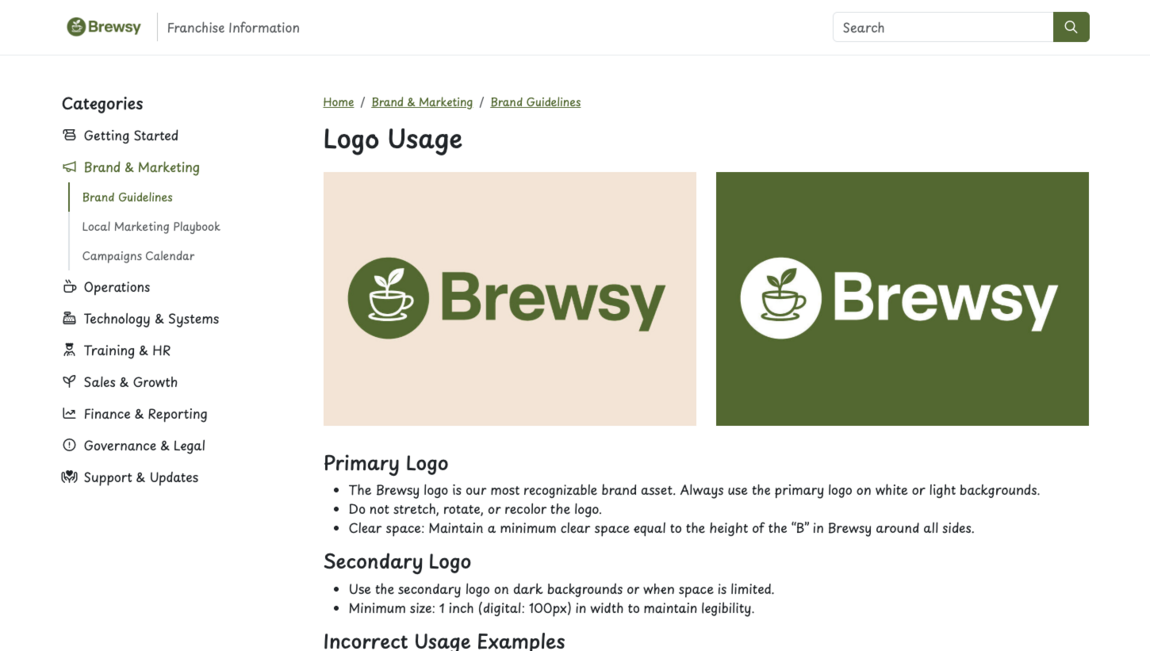
Start with clear categories
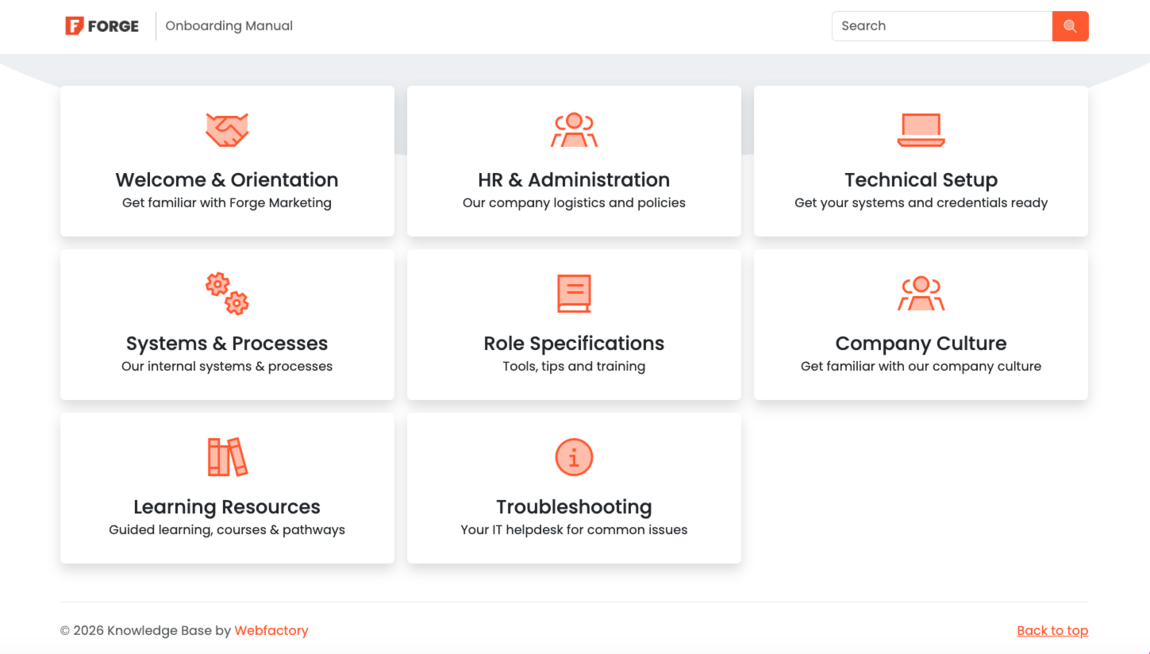
The first step to a user-friendly knowledge base is choosing the right categories. Think about the main topics people will be searching for. These might include systems and processes, account setup, product features, troubleshooting or frequently asked questions.
Having good categories will make your knowledge base feel tidy and calm. Aim to keep your list clear, short and easy to understand.
Use subcategories for extra clarity
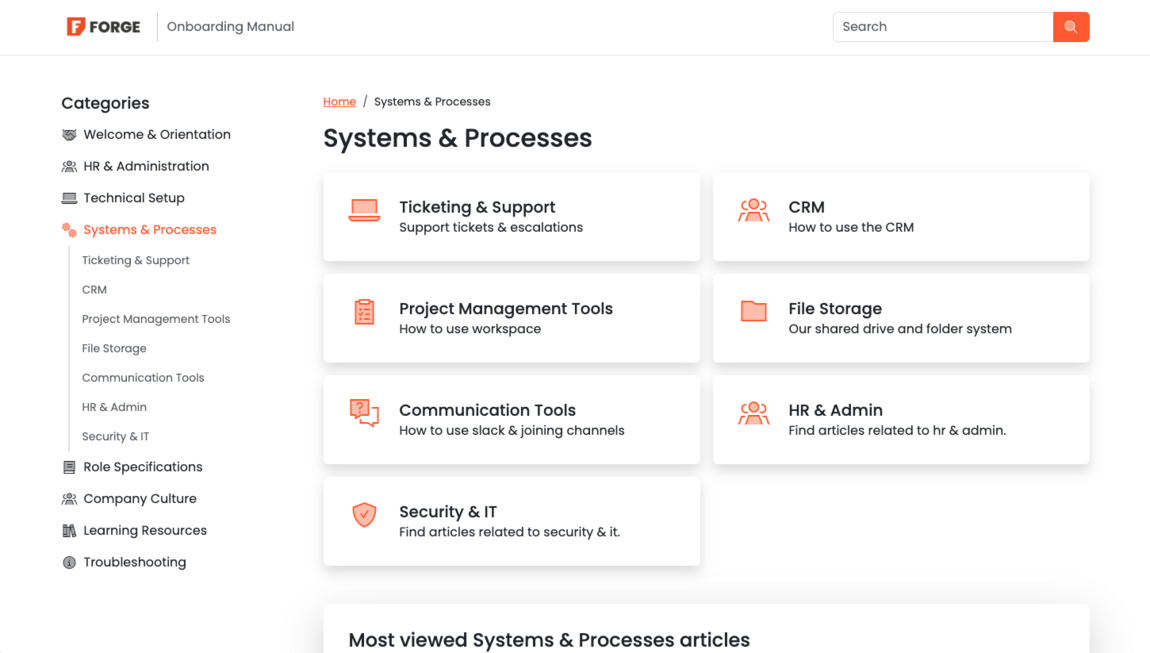
If your topics are large, break them into smaller subcategories. For example, within systems and processes, you might have ticketing and support, project management tools, communication tools and file storage. Subcategories guide users straight to the information they need without reading through unrelated content, making it easier to find.
This structure will keep your knowledge base neat and improves the overall experience.
Write simple & clear article titles
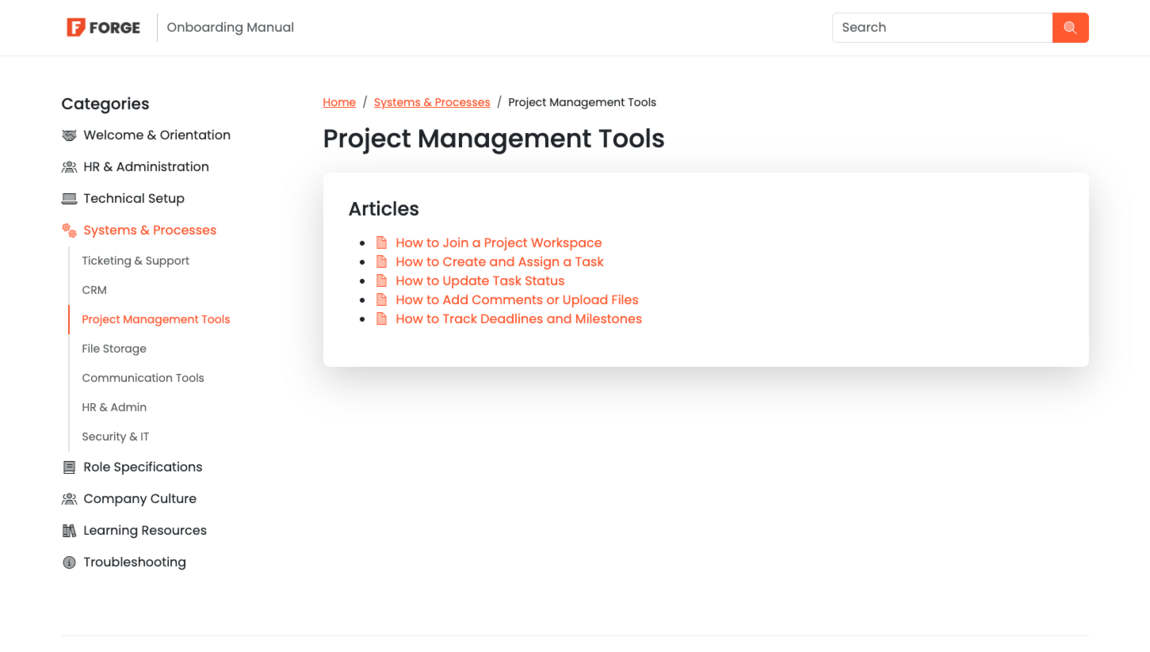
Your article titles should tell people exactly what the content will help them with. Titles like “How to reset your password” or “How to update your billing information” work well because they use common search phrases. Clear titles improve both site navigation and your SEO.
Use keywords
Using the right keywords in your knowledge base will help users find what they need quickly. When you include words and phrases that people are likely to search for, the right articles are more likely to appear in the results. Adding a few clear and simple keywords to each article improves search accuracy and makes your knowledge base easier to explore. This creates a smoother experience for your users and helps them reach the right information faster.
Add images, videos & links to guide users
Screenshots, short videos and helpful links can guide users through each step, making it easier to navigate their way to the solution. You can also link to related articles so people can explore topics without getting lost. This makes your knowledge base feel connected and easy to follow.
Keep your article layout simple
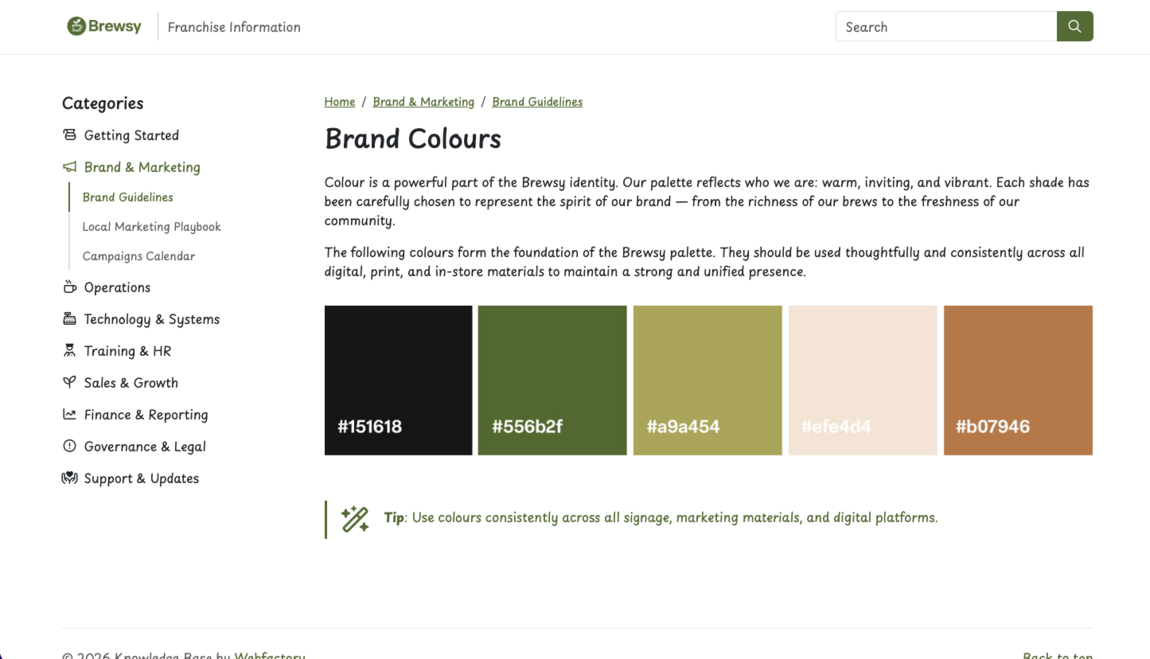
A simple layout helps users feel comfortable as they move from one article to another. Use headings, bullet points and spacing to make each page easy to skim. The faster people can scan your content, the happier they will be. A clean structure also improves the way search engines understand your articles.
Review & update regularly
Your knowledge base will grow over time. New features, new onboarding steps and new questions may appear. Make time to review your categories and update anything that no longer fits. Remove duplicate content and keep outdated articles hidden. Regular updates keep your help centre accurate and easy to use.
Summary
A well-organised knowledge base saves time, reduces support requests, and gives users confidence. By creating clear categories, choosing simple titles and keeping your content updated, you can build a help centre that is easy for anyone to navigate.
Ready to build your own knowledge base?
Start your free trial today and see how it can transform your team's knowledge sharing.
Start free trial