Why a Webfactory knowledgebase works alongside your website
18th March 2026

posted 18th March 2026
Your website is often the first place people go to learn about your business. It helps showcase your brand, explain your services, and build trust with potential customers. However, a business website is not always the best place for ongoing customer support or detailed help content. That is where Webfactory KnowledgeBase comes in.
Used alongside your website, a knowledge base system helps you provide better customer support, answer common questions, and give users quick access to the information they need.
In this blog, we’ll explain the difference between a website and a knowledge base and the benefits of having one.
What’s the difference between a website & knowledge base?
A website is designed for marketing and lead generation. It focuses on attracting visitors, explaining your services, and encouraging enquiries.
A knowledge base is designed for self-service support. It helps customers find answers through FAQs, guides, and support articles, without needing to contact your team.
By using a website and knowledge base together, you create a clearer structure. Your website stays focused on selling, while your online knowledge base focuses on helping.
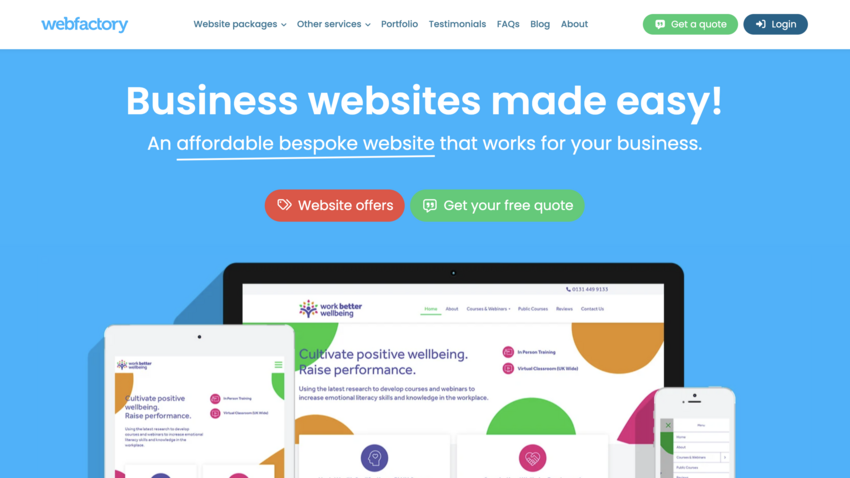
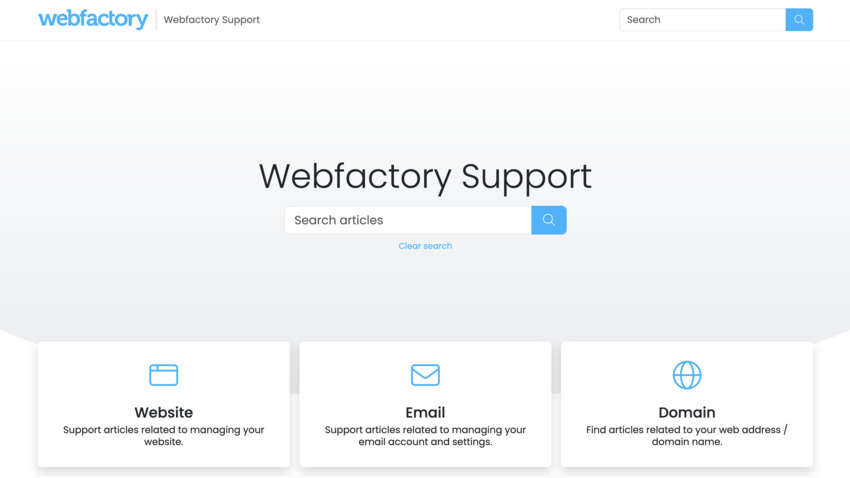
Having a Webfactory KnowledgeBase allows customers to help themselves by providing answers in one central place. This reduces the need for email and phone support and improves the overall customer experience. A well-organised knowledge base software also ensures customers always see consistent, up-to-date information.
1. A knowledge base helps you support your customers better.
Benefits include:
- Fewer customer support queries
- Faster answers through self-service support
- Reduced support workload for your team
2. Ideal for customer support & internal documentation
A knowledge base can be used both externally and internally. It works as a customer support knowledge base and as a place for internal documentation. Having one central knowledge base makes it easier to manage information and keep teams aligned.
Common uses include:
- Customer help articles and FAQs
- Product and service documentation
- Employee onboarding and training
- Internal processes and team resources
3. Fully branded and easy to manage
Webfactory KnowledgeBase is simple to use and does not require technical skills. You can create and update articles, add images, and embed videos with ease.
Your branded knowledge base can include:
- Your logo, colours, and branding
- A custom webfactorysite.co.uk address or your own domain
- Public or private access control
This ensures your knowledge base feels like a natural extension of your website.
4. Available 24/7 for customers and staff
An online knowledge base is available around the clock. Customers and employees can access support content at any time, even outside working hours. This improves efficiency and provides reliable support whenever it is needed.
5. A smarter way to support your website
Your website attracts visitors. Webfactory KnowledgeBase supports them after they arrive. Together, they create a complete support journey that improves customer satisfaction and reduces support demands.
Summary
Using a website alongside a knowledge base solution is a smart way to scale your support, improve efficiency, and deliver a better experience for customers and teams alike.
Ready to build your own knowledge base?
Start your free trial today and see how it can transform your team's knowledge sharing.
Start free trial